

The settings described on this page are located in the ComfyUI in-app settings menu. You can open it by navigating to Settings (gear icon) or using the
Ctrl + , keyboard shortcut, then select the corresponding category to view and configure these options.- Email login
- Google login
- Github login
- API Key login (for non-whitelisted site authorization)
ComfyUI Version Requirements
You may need to use at least ComfyUI v0.3.0 to use the account system. Ensure that the corresponding frontend version is at least1.17.11. Sometimes the frontend may fail to install and revert to an older version, so please check if the frontend version is greater than 1.17.11 in Settings -> About.
In some regions, network restrictions may prevent normal access to the login API, causing timeouts or failures. Before logging in, please ensure that your network environment does not restrict access to the corresponding API, and make sure you can access sites like Google or Github.
Network Requirements
To login to ComfyUI account, you must be in a secure network environment:- Only allow access from
127.0.0.1orlocalhost. - Do not support using the
--listenparameter to access the Partner Node through a local network. - If you are using a non-SSL certificate or a site that does not start with
https, you may not be able to successfully log in. - You may not be able to log in on a site that is not in our whitelist (but you can log in using an API Key now).
- Ensure you can connect to our service normally (some regions may require a proxy).
How to Log In
Log in via Settings → User: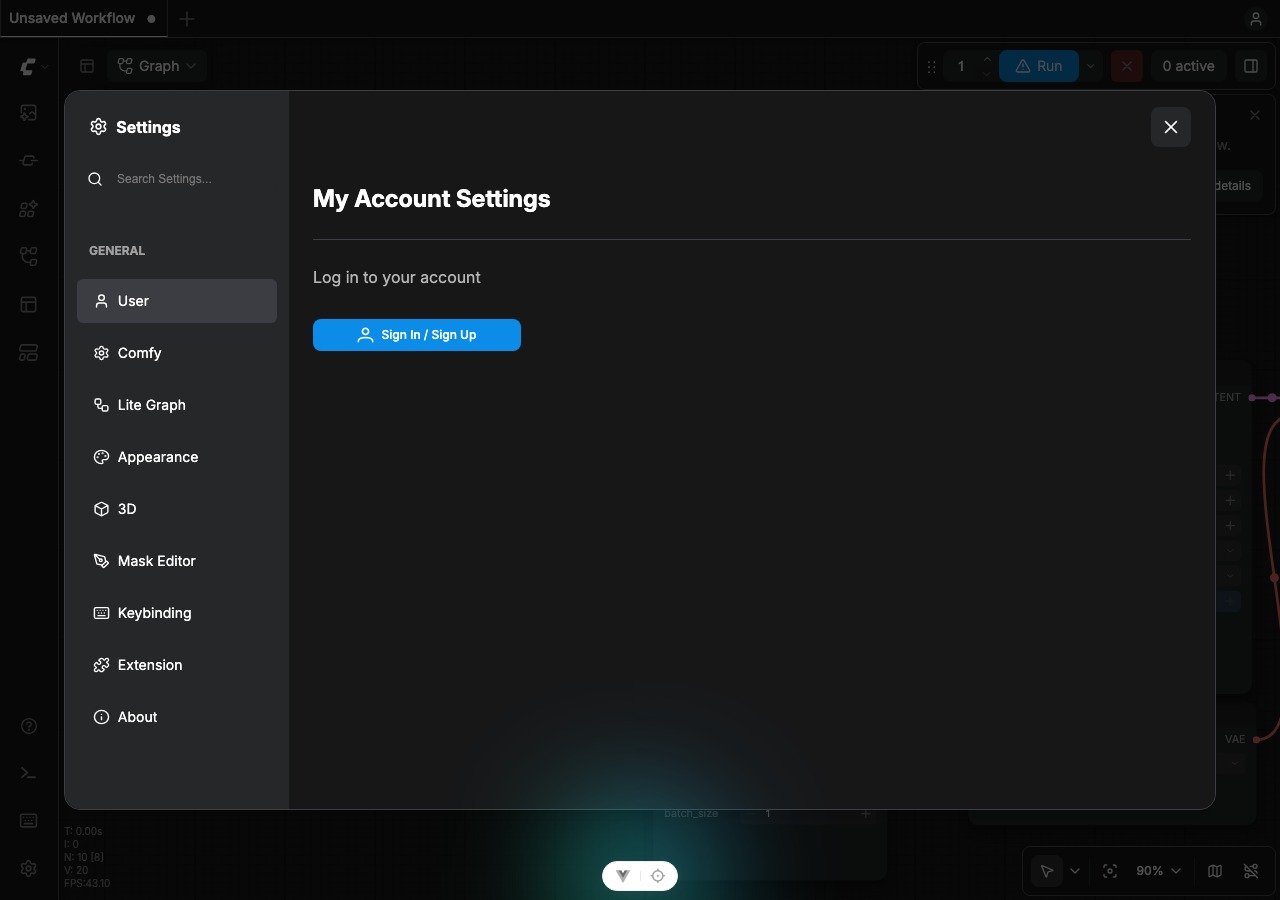
Login Methods
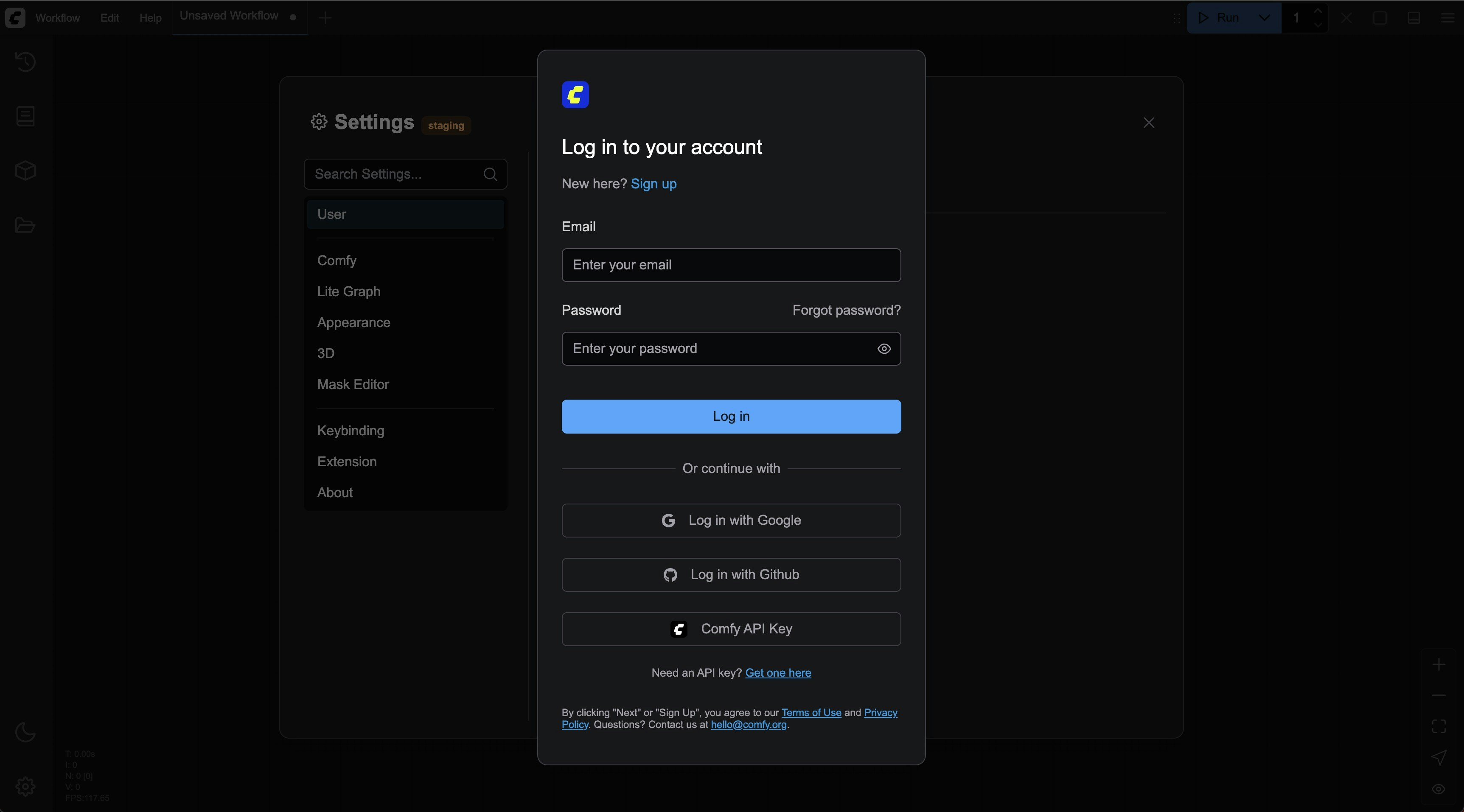
Logging in with an API Key
For non-whitelisted sites or LAN environments, you can use API Key login. See the detailed guide in the account login documentation.
Post-Login Status
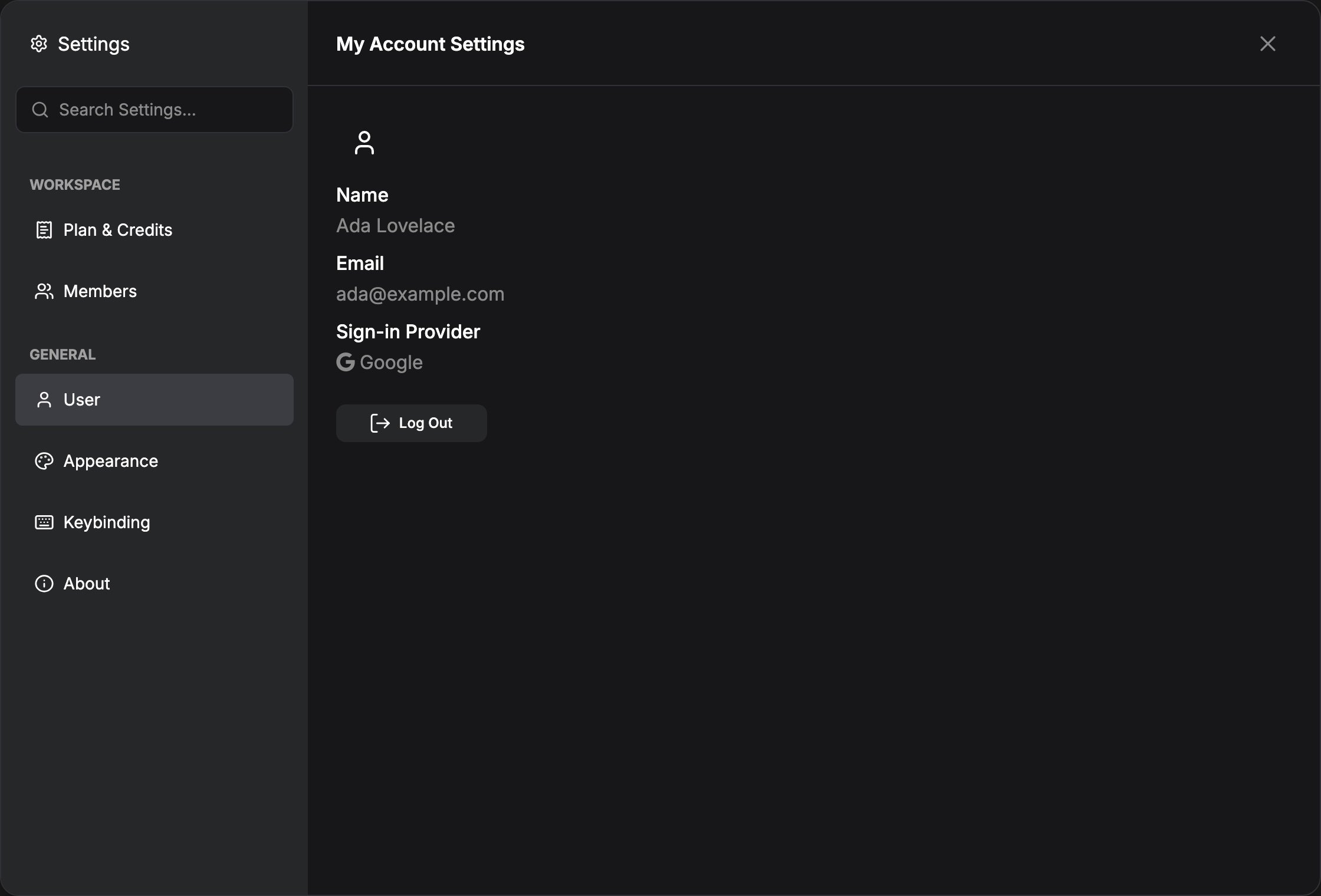
After logging in, the top menu shows your account control. From there you can reopen the user panel, sign out, and on Cloud open Manage plan (same Plan & Credits panel as Settings → Workspace → Plan & Credits).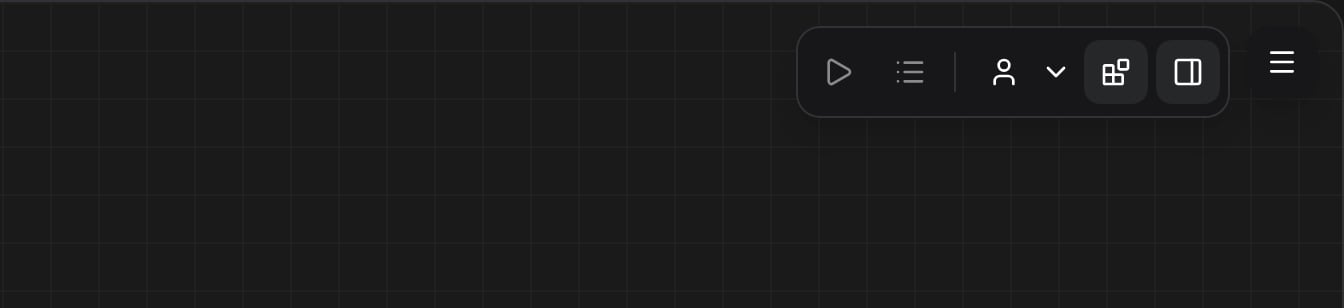
Frequently Asked Questions
Are there any login device restrictions?
Are there any login device restrictions?
We do not restrict login devices. You can log in to your account on any device, but please note that your account information may be accessed by other devices, so do not log in to your account on public devices.
How to log in in a LAN environment?
How to log in in a LAN environment?
Currently, only API Key login is supported in a LAN environment. If you are accessing ComfyUI services through a LAN, please use API Key to log in.
Why can't I log in on some websites?
Why can't I log in on some websites?
Our login service has a whitelist, so you may not be able to log in to ComfyUI deployed on some servers, for this case, you can use API Key login to solve it.