

What Kling 3.0 is good at
- Multi-shot generation: Generate multiple shots with duration control in a single generation
- Locked subject consistency: Maintain character and object identity across camera motion and scene evolution
- Native audio with character awareness: Multilingual dialogue with precise lip sync and facial expression alignment
- Native text rendering: Clear, structured on-screen text for ads, UI scenes, and branded content
Example outputs
Text-to-image generation with the Kling 3.0 model:
Available models
Learn more
For detailed examples, prompts, and video demonstrations of Kling 3.0’s capabilities, check out our blog post:Kling 3.0 Models Are Now Available
Read the full announcement with video examples, prompt tips, and feature deep-dives.
Kling 3.0: Text to Image
Generate an image from a text prompt using the Kling 3.0 model.
Run on Comfy Cloud
Open in Comfy Cloud
Download Workflow
Download JSON or search “Kling 3.0: Text to Image” in Template Library
Kling 3.0: Video Generation
Input text or image prompts to generate 15-second video sequences with multi-shot compositions, complex camera movements, and consistent subjects.
Run on Comfy Cloud
Open in Comfy Cloud
Download Workflow
Download JSON or search “Kling 3.0: Video Generation” in Template Library
LoadImage node:
boxing.png
LoadImage node 1 · boxing.png
Kling 3.0: First Last Frame to Video
Input a first and last frame image to generate a continuous video sequence with multi-shot generation and precise element control.
Run on Comfy Cloud
Open in Comfy Cloud
Download Workflow
Download JSON or search “Kling 3.0: First Last Frame to Video” in Template Library
LoadImage nodes:
goldenfish_in_bag.png
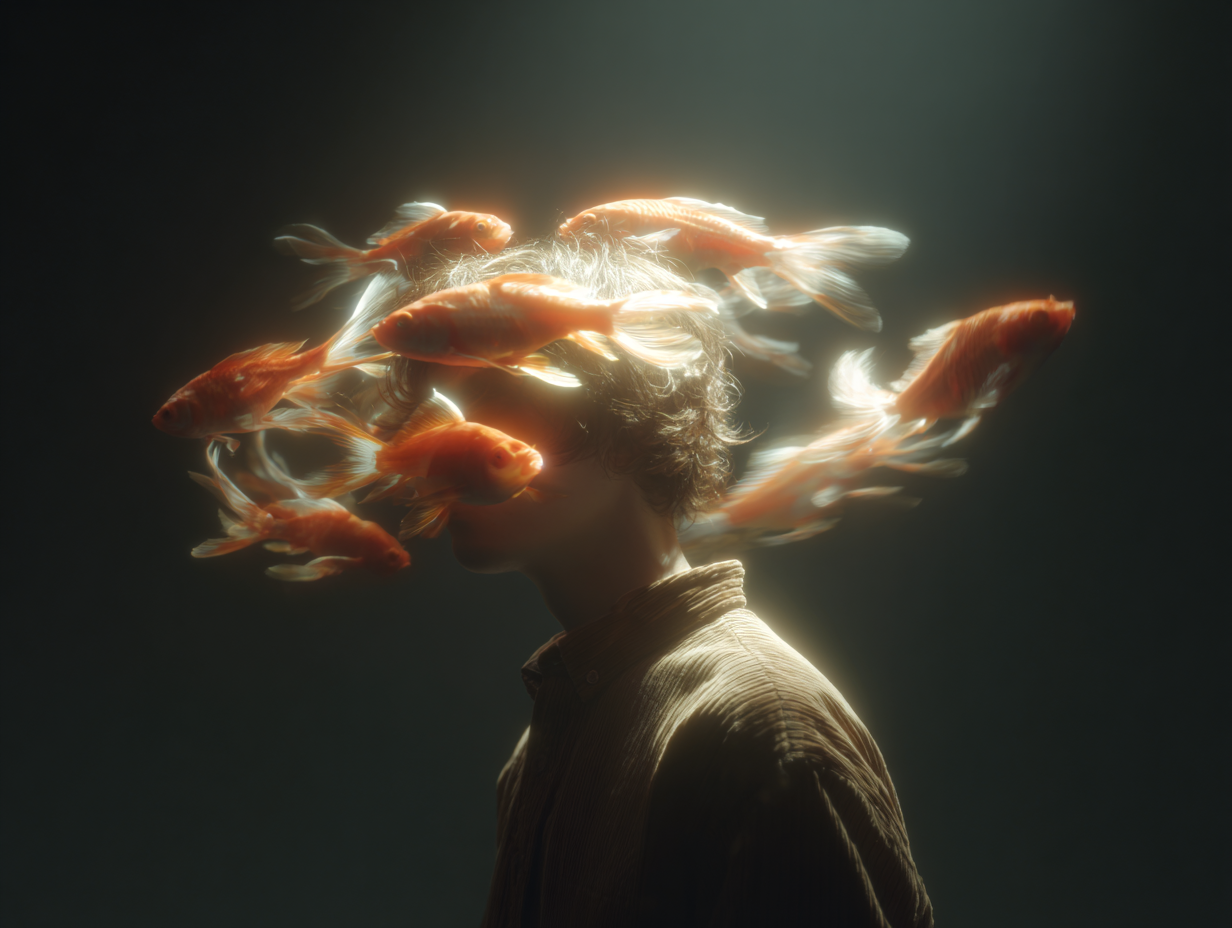
LoadImage node 1 · goldenfish_in_bag.pngman_in_daydream.png
LoadImage node 13 · man_in_daydream.png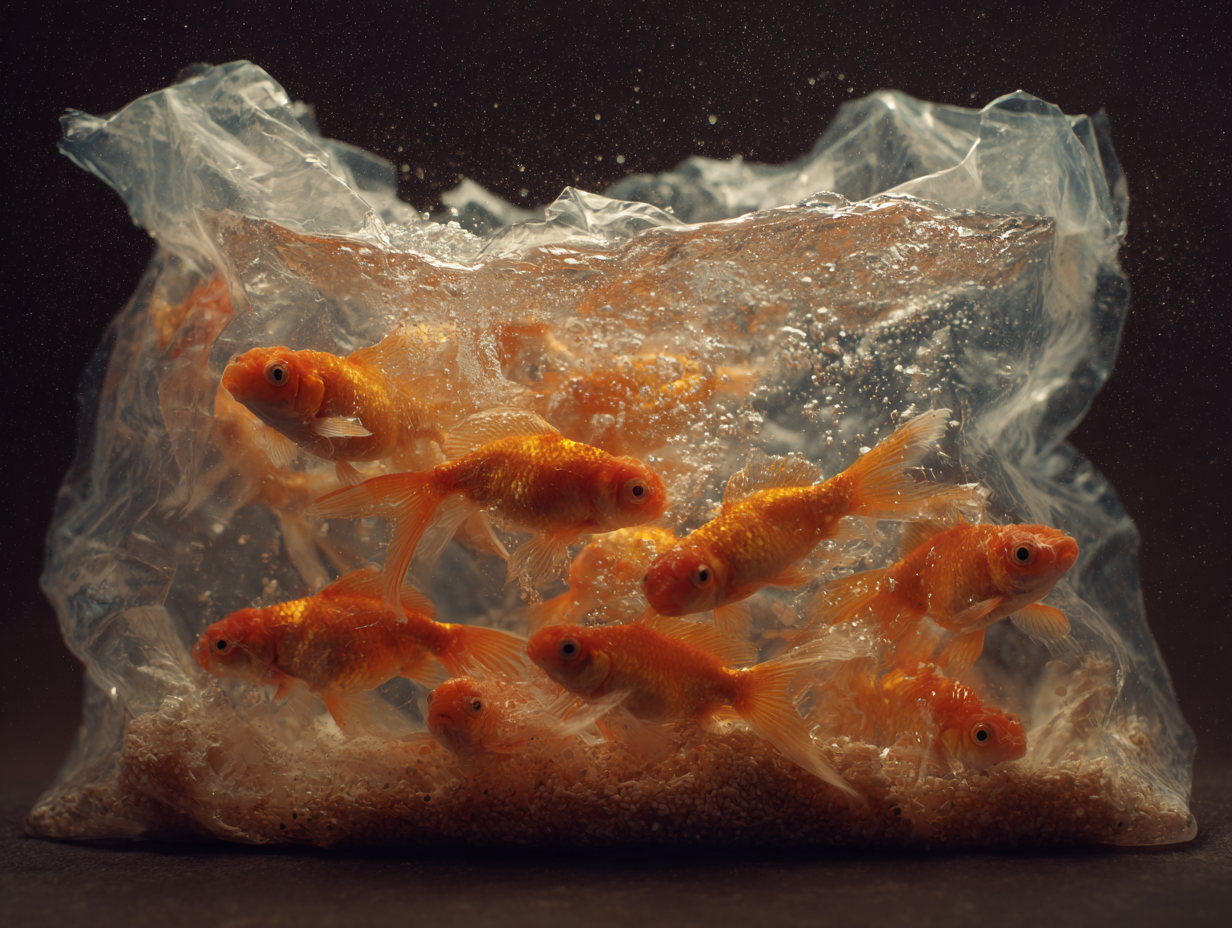
Kling 3.0: Motion Control
Apply the motion of a reference video to a character image. Upload a character image plus a motion reference video and the model drives your character through the action in the clip while keeping their identity. This workflow runs the Kling 3.0 model, which improves facial consistency over previous versions.
Run on Comfy Cloud
Open in Comfy Cloud
Download Workflow
Download JSON or search “Kling 3.0: Motion Control” in Template Library
LoadImage and LoadVideo nodes:
future_robot.png
LoadImage node 2 · future_robot.pngboxing_man.mp4
LoadVideo node 3 · boxing_man.mp4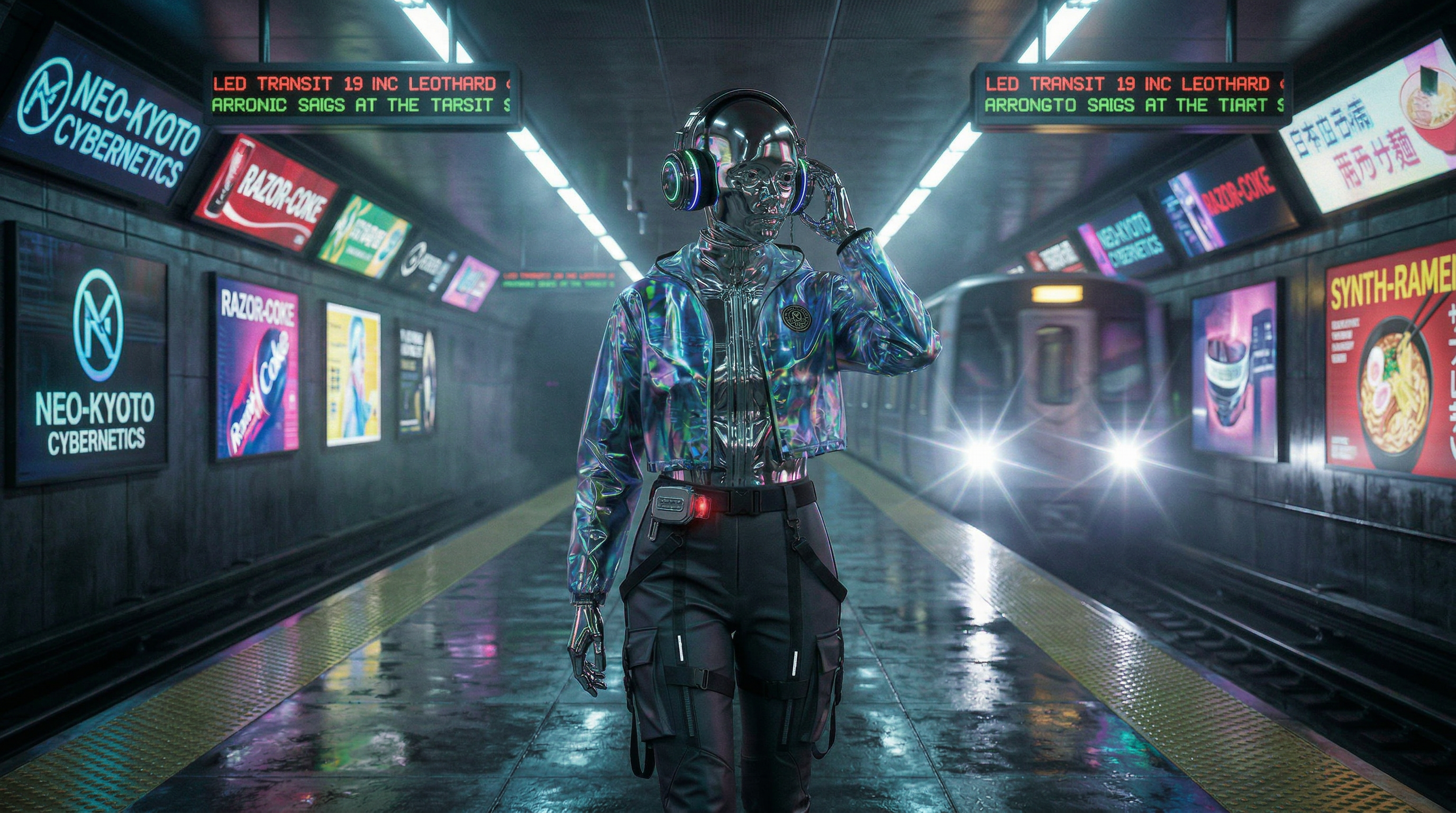
character_orientation to video when the camera and framing should follow the motion clip, which allows reference clips up to 30 seconds, or to image when the character keeps the framing of the still image, which limits the clip to 10 seconds. Keep mode on pro for final output and switch to std for cheaper tests. keep_original_sound carries the clip’s audio into the result, and model switches back to kling-v2-6 for the previous generation.
This workflow uses the same Kling Motion Control node as the Kling 2.6 Motion Control example, so the input tips on that page apply here too.
Legacy Kling models (EOL)
Retired workflow templates and replacements
For virtual try-on, use Flux Virtual Try-On (
api_flux_vto) or other supported alternatives. FLUX VTO and Gemini-based fashion templates are not affected by this retirement.