> ## Documentation Index
> Fetch the complete documentation index at: https://docs.comfy.org/llms.txt
> Use this file to discover all available pages before exploring further.

# Demo Apps

> Start from a working demo app built on the Comfy API.

Start from a working demo app, then adapt the workflow and interface for your own project. Choose Comfy Cloud for the fastest path, or Deploy Your Own when you need your own models or nodes.

<div className="sample-card-grid">
  <div className="sample-card" data-sample-card="true">
    <div className="sample-card-inner">
      <div className="sample-card-face sample-card-front" data-sample-front="true">
        <img src="https://mintcdn.com/dripart/h9CkwK6HVnehRaV4/images/samples/img2img-web-app.svg?fit=max&auto=format&n=h9CkwK6HVnehRaV4&q=85&s=20739845b77b13a7f3b9298e7c497e9f" alt="Preview of the image-to-image web app" className="sample-card-preview" width="960" height="540" data-path="images/samples/img2img-web-app.svg" />

        <div className="sample-card-body">
          <h2>Image-to-image web app</h2>
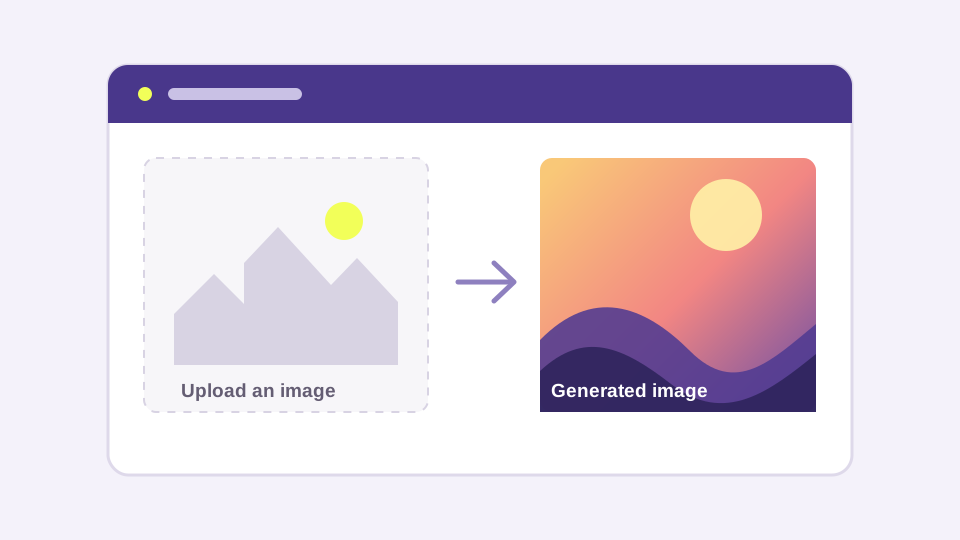
          <p>Upload an image, run a Comfy workflow, and show the result in a Next.js app.</p>

          <div className="sample-card-actions">
            <button type="button" data-sample-open="api">Use Comfy Cloud</button>
            <button type="button" data-sample-open="endpoint">Deploy Your Own</button>
          </div>

          <div className="sample-card-links">
            <a href="https://github.com/Comfy-Org/comfy-examples/blob/main/img2img-web-app/workflows/workflow_api.json?raw=1">Download workflow ↗</a><span>·</span><a href="https://github.com/Comfy-Org/comfy-examples/tree/main/img2img-web-app">View source ↗</a>
          </div>
        </div>
      </div>

      <div className="sample-card-face sample-card-back" data-sample-path="api" aria-hidden="true" inert="true">
        <div className="sample-path-body">
          <button type="button" data-sample-back="true">← Back to demo app</button>
          <p className="sample-path-eyebrow">Comfy Cloud</p><h2>Use Image-to-image web app with Comfy Cloud</h2>
          <p>Use Comfy Cloud as the managed endpoint. Create an API key, then deploy a copy of the app.</p>

          <div className="sample-path-steps">
            <div className="sample-path-step"><span className="sample-path-number">1</span><div className="sample-path-copy"><strong>Create API key</strong><span>Create and save a Comfy API key. An eligible Comfy Cloud subscription is also required.</span></div><a href="https://platform.comfy.org/profile/api-keys">Create API key ↗</a></div>
            <div className="sample-path-step"><span className="sample-path-number">2</span><div className="sample-path-copy"><strong>Deploy app to Vercel</strong><span>The provider creates a copy of this sample in your account.</span></div><a href="https://vercel.com/new/clone?repository-url=https%3A%2F%2Fgithub.com%2FComfy-Org%2Fcomfy-examples%2Ftree%2Fmain%2Fimg2img-web-app&env=COMFY_BASE_URL%2CCOMFY_API_KEY&envDefaults=%7B%22COMFY_BASE_URL%22%3A%22https%3A%2F%2Fcloud.comfy.org%22%7D">Deploy app ↗</a></div>
          </div>
        </div>
      </div>

      <div className="sample-card-face sample-card-back" data-sample-path="endpoint" aria-hidden="true" inert="true">
        <div className="sample-path-body">
          <button type="button" data-sample-back="true">← Back to demo app</button>
          <p className="sample-path-eyebrow">Deploy Your Own</p><h2>Deploy your own endpoint for Image-to-image web app</h2>
          <p>Create a Comfy API serverless endpoint when you need your own models or custom nodes.</p>

          <div className="sample-path-steps">
            <div className="sample-path-step"><span className="sample-path-number">1</span><div className="sample-path-copy"><strong>Download workflow</strong><span>Use this API-format workflow in the dedicated deployment flow.</span></div><a href="https://github.com/Comfy-Org/comfy-examples/blob/main/img2img-web-app/workflows/workflow_api.json?raw=1">Download workflow ↗</a></div>
            <div className="sample-path-step"><span className="sample-path-number">2</span><div className="sample-path-copy"><strong>Create API key</strong><span>Create and save the key your deployed app will use.</span></div><a href="https://platform.comfy.org/profile/api-keys">Create API key ↗</a></div>
            <div className="sample-path-step"><span className="sample-path-number">3</span><div className="sample-path-copy"><strong>Paste Workflow and Deploy</strong><span>In Builds, paste the workflow, configure the endpoint, and wait for its URL.</span></div><a href="https://platform.comfy.org/profile/builds">Open builds ↗</a></div>
            <div className="sample-path-step"><span className="sample-path-number">4</span><div className="sample-path-copy"><strong>Paste endpoint URL and API key</strong><span>Set COMFY\_BASE\_URL and COMFY\_API\_KEY during app deployment.</span></div><a href="https://vercel.com/new/clone?repository-url=https%3A%2F%2Fgithub.com%2FComfy-Org%2Fcomfy-examples%2Ftree%2Fmain%2Fimg2img-web-app&env=COMFY_BASE_URL%2CCOMFY_API_KEY">Deploy app ↗</a></div>
          </div>
        </div>
      </div>
    </div>
  </div>

  <div className="sample-card" data-sample-card="true">
    <div className="sample-card-inner">
      <div className="sample-card-face sample-card-front" data-sample-front="true">
        <img src="https://mintcdn.com/dripart/h9CkwK6HVnehRaV4/images/samples/sketch-to-image.svg?fit=max&auto=format&n=h9CkwK6HVnehRaV4&q=85&s=f4b31ac4090338aad4196bf1ccf4c1af" alt="Preview of the sketch-to-image app" className="sample-card-preview" width="960" height="540" data-path="images/samples/sketch-to-image.svg" />

        <div className="sample-card-body">
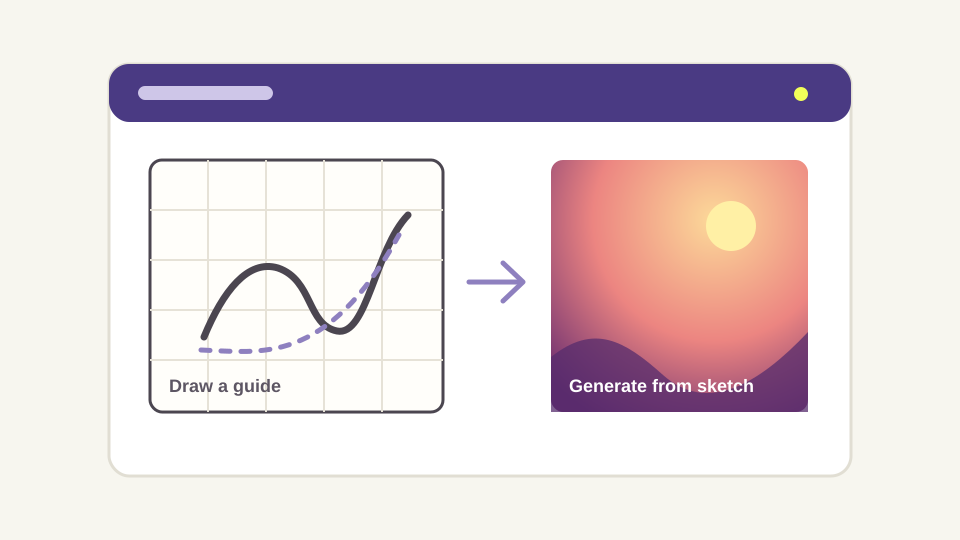
          <h2>Sketch to image</h2><p>Draw or import a guide, then generate an image from the guide and a prompt.</p>
          <div className="sample-card-actions"><button type="button" data-sample-open="api">Use Comfy Cloud</button><button type="button" data-sample-open="endpoint">Deploy Your Own</button></div>
          <div className="sample-card-links"><a href="https://github.com/Comfy-Org/comfy-examples/blob/main/sketch-to-image/workflows/workflow_api.json?raw=1">Download workflow ↗</a><span>·</span><a href="https://github.com/Comfy-Org/comfy-examples/tree/main/sketch-to-image">View source ↗</a></div>
        </div>
      </div>

      <div className="sample-card-face sample-card-back" data-sample-path="api" aria-hidden="true" inert="true">
        <div className="sample-path-body">
          <button type="button" data-sample-back="true">← Back to demo app</button>
          <p className="sample-path-eyebrow">Comfy Cloud</p>
          <h2>Use Sketch to image with Comfy Cloud</h2>
          <p>Use Comfy Cloud as the managed endpoint. Create an API key, then deploy a copy of the app.</p>

          <div className="sample-path-steps">
            <div className="sample-path-step"><span className="sample-path-number">1</span><div className="sample-path-copy"><strong>Create API key</strong><span>Create and save a Comfy API key. An eligible Comfy Cloud subscription is also required.</span></div><a href="https://platform.comfy.org/profile/api-keys">Create API key ↗</a></div>
            <div className="sample-path-step"><span className="sample-path-number">2</span><div className="sample-path-copy"><strong>Deploy app to Vercel</strong><span>The provider creates a copy of this sample in your account.</span></div><a href="https://vercel.com/new/clone?repository-url=https%3A%2F%2Fgithub.com%2FComfy-Org%2Fcomfy-examples%2Ftree%2Fmain%2Fsketch-to-image&env=COMFY_BASE_URL%2CCOMFY_API_KEY&envDefaults=%7B%22COMFY_BASE_URL%22%3A%22https%3A%2F%2Fcloud.comfy.org%22%7D">Deploy app ↗</a></div>
          </div>
        </div>
      </div>

      <div className="sample-card-face sample-card-back" data-sample-path="endpoint" aria-hidden="true" inert="true">
        <div className="sample-path-body">
          <button type="button" data-sample-back="true">← Back to demo app</button>
          <p className="sample-path-eyebrow">Deploy Your Own</p>
          <h2>Deploy your own endpoint for Sketch to image</h2>
          <p>Create a Comfy API serverless endpoint when you need your own models or custom nodes.</p>

          <div className="sample-path-steps">
            <div className="sample-path-step"><span className="sample-path-number">1</span><div className="sample-path-copy"><strong>Download workflow</strong><span>Use this API-format workflow in the dedicated deployment flow.</span></div><a href="https://github.com/Comfy-Org/comfy-examples/blob/main/sketch-to-image/workflows/workflow_api.json?raw=1">Download workflow ↗</a></div>
            <div className="sample-path-step"><span className="sample-path-number">2</span><div className="sample-path-copy"><strong>Create API key</strong><span>Create and save the key your deployed app will use.</span></div><a href="https://platform.comfy.org/profile/api-keys">Create API key ↗</a></div>
            <div className="sample-path-step"><span className="sample-path-number">3</span><div className="sample-path-copy"><strong>Paste Workflow and Deploy</strong><span>In Builds, paste the workflow, configure the endpoint, and wait for its URL.</span></div><a href="https://platform.comfy.org/profile/builds">Open builds ↗</a></div>
            <div className="sample-path-step"><span className="sample-path-number">4</span><div className="sample-path-copy"><strong>Paste endpoint URL and API key</strong><span>Set COMFY\_BASE\_URL and COMFY\_API\_KEY during app deployment.</span></div><a href="https://vercel.com/new/clone?repository-url=https%3A%2F%2Fgithub.com%2FComfy-Org%2Fcomfy-examples%2Ftree%2Fmain%2Fsketch-to-image&env=COMFY_BASE_URL%2CCOMFY_API_KEY">Deploy app ↗</a></div>
          </div>
        </div>
      </div>
    </div>
  </div>

  <div className="sample-card" data-sample-card="true">
    <div className="sample-card-inner">
      <div className="sample-card-face sample-card-front" data-sample-front="true">
        <img src="https://mintcdn.com/dripart/h9CkwK6HVnehRaV4/images/samples/discord-image-bot.svg?fit=max&auto=format&n=h9CkwK6HVnehRaV4&q=85&s=785b60d710c773d303743a65333f9455" alt="Preview of the Discord image bot" className="sample-card-preview" width="960" height="540" data-path="images/samples/discord-image-bot.svg" />

        <div className="sample-card-body">
          <h2>Discord image bot</h2><p>Add an `/imagine` command to a Discord server and run the bundled Comfy workflow.</p>
          <div className="sample-card-actions"><button type="button" data-sample-open="api">Use Comfy Cloud</button><button type="button" data-sample-open="endpoint">Deploy Your Own</button></div>
          <div className="sample-card-links"><a href="https://github.com/Comfy-Org/comfy-discord-image-bot/blob/main/workflows/workflow_api.json?raw=1">Download workflow ↗</a><span>·</span><a href="https://github.com/Comfy-Org/comfy-discord-image-bot">View source ↗</a></div>
        </div>
      </div>

      <div className="sample-card-face sample-card-back" data-sample-path="api" aria-hidden="true" inert="true">
        <div className="sample-path-body">
          <button type="button" data-sample-back="true">← Back to demo app</button>
          <p className="sample-path-eyebrow">Comfy Cloud</p>
          <h2>Use Discord image bot with Comfy Cloud</h2>
          <p>Use Comfy Cloud as the managed endpoint. Create an API key, then deploy a copy of the app.</p>

          <div className="sample-path-steps">
            <div className="sample-path-step"><span className="sample-path-number">1</span><div className="sample-path-copy"><strong>Create API key</strong><span>Create and save a Comfy API key. An eligible Comfy Cloud subscription is also required.</span></div><a href="https://platform.comfy.org/profile/api-keys">Create API key ↗</a></div>
            <div className="sample-path-step"><span className="sample-path-number">2</span><div className="sample-path-copy"><strong>Deploy app to Render</strong><span>The provider creates a copy of this sample in your account.</span></div><a href="https://render.com/deploy?repo=https%3A%2F%2Fgithub.com%2FComfy-Org%2Fcomfy-discord-image-bot">Deploy app ↗</a></div>
          </div>
        </div>
      </div>

      <div className="sample-card-face sample-card-back" data-sample-path="endpoint" aria-hidden="true" inert="true">
        <div className="sample-path-body">
          <button type="button" data-sample-back="true">← Back to demo app</button>
          <p className="sample-path-eyebrow">Deploy Your Own</p>
          <h2>Deploy your own endpoint for Discord image bot</h2>
          <p>Create a Comfy API serverless endpoint when you need your own models or custom nodes.</p>

          <div className="sample-path-steps">
            <div className="sample-path-step"><span className="sample-path-number">1</span><div className="sample-path-copy"><strong>Download workflow</strong><span>Use this API-format workflow in the dedicated deployment flow.</span></div><a href="https://github.com/Comfy-Org/comfy-discord-image-bot/blob/main/workflows/workflow_api.json?raw=1">Download workflow ↗</a></div>
            <div className="sample-path-step"><span className="sample-path-number">2</span><div className="sample-path-copy"><strong>Create API key</strong><span>Create and save the key your deployed app will use.</span></div><a href="https://platform.comfy.org/profile/api-keys">Create API key ↗</a></div>
            <div className="sample-path-step"><span className="sample-path-number">3</span><div className="sample-path-copy"><strong>Paste Workflow and Deploy</strong><span>In Builds, paste the workflow, configure the endpoint, and wait for its URL.</span></div><a href="https://platform.comfy.org/profile/builds">Open builds ↗</a></div>
            <div className="sample-path-step"><span className="sample-path-number">4</span><div className="sample-path-copy"><strong>Paste endpoint URL and API key</strong><span>Set COMFY\_BASE\_URL and COMFY\_API\_KEY during app deployment.</span></div><a href="https://render.com/deploy?repo=https%3A%2F%2Fgithub.com%2FComfy-Org%2Fcomfy-discord-image-bot">Deploy app ↗</a></div>
          </div>
        </div>
      </div>
    </div>
  </div>
</div>

<Note>
  Both paths need a [Comfy API key](https://platform.comfy.org/profile/api-keys). For Deploy Your Own, download the workflow, use Builds to paste it and configure the serverless endpoint, wait for its URL, then paste that URL and the API key into your Vercel or Render deployment.
</Note>

Want to add a demo app? See the [examples repository](https://github.com/Comfy-Org/comfy-examples).